
Deck builder
Pokémon TCG deck builder
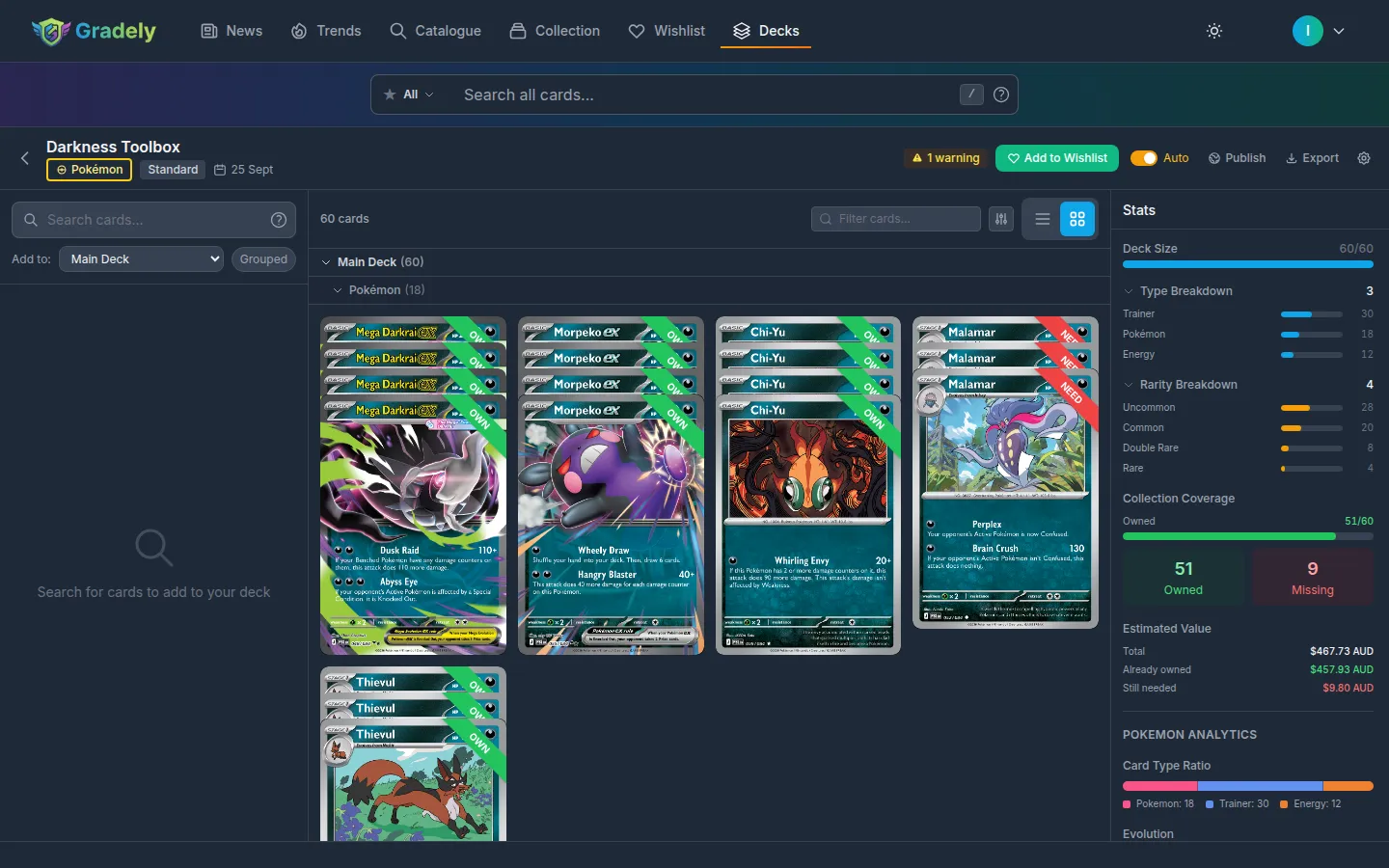
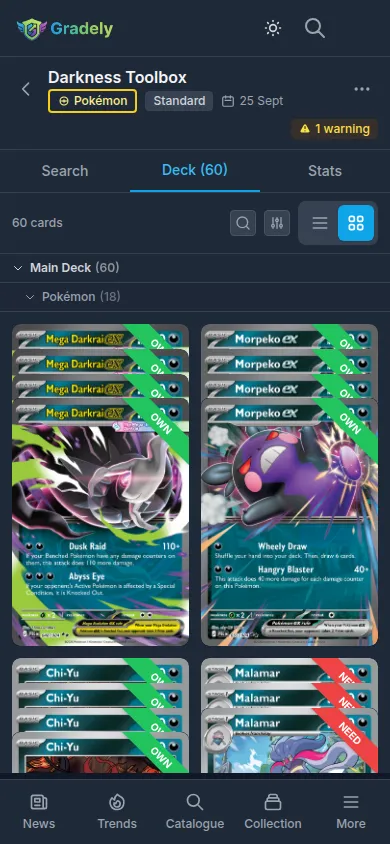
Put together a 60-card Pokémon deck for Standard or Expanded, choosing the exact print for every slot. Gradely counts copies by name across prints, keeps basic Energy unlimited, holds you to one ACE SPEC and one Radiant Pokémon, flags banned cards, and lays out your evolution lines, Trainer count and Energy types beside the list, with every card marked if it is already in your binder.
Copies counted by name
A regular print and a full art of the same Trainer count towards one limit of four, so mixing prints never hides a fifth copy.
Evolution lines at a glance
See how many evolution lines you run and how many of your Pokémon evolve, so a thin line shows up before your first test game rather than during it.
Pokémon, Trainer and Energy ratio
The card type ratio, HP distribution and Energy types sit beside the list, the numbers most players check when tuning consistency.
Pick the print you want
Every print is its own entry, from reverse holos to illustration rares, and the deck value in your currency follows the prints you choose.
Know what you still need
Each card is marked owned, owned in another print, or missing, so you can build around the cards in your collection and buy only the rest.
Pokémon deck rules
A Pokémon deck is exactly 60 cards and must include at least one Basic Pokémon. You may play up to four copies of a card with the same name, except basic Energy, which is unlimited. A deck can hold only one ACE SPEC card and only one Radiant Pokémon.
Supported formats
- Standard
- The main competitive format. Legality follows the regulation mark printed on each card, and the oldest marks rotate out once a year.
- Expanded
- A larger, non-rotating card pool covering the Black & White series onward, with its own banned list.
- Casual
- No legality or copy checks, for theme deck battles, house rules and games with friends.
How it works
- 1
Sign up free and create a Pokémon deck in Standard or Expanded.
- 2
Search by Pokémon, Trainer or Energy, pick the print you want, and add it to the 60.
- 3
Check the warnings and the evolution breakdown, then publish the deck or keep it private.
Frequently asked questions
How are copies counted across different prints?
By name, as the rules count them. A regular and a full art copy of the same Trainer both count towards the limit of four.
Can I build an Expanded deck?
Yes. Set the format to Expanded when you create the deck, or switch an existing Standard deck over in its settings.
Can I pick a specific art for each card?
Yes. Choose the exact print for each slot, whether that is a full art, an illustration rare or a reverse holo.
Does it show which cards I already own?
Yes. With your collection on Gradely, every card in the deck shows whether you own it, own another print of it, or still need it.
Can I import a list?
Paste a plain text list with one card and quantity per line, or a GXF file, and the builder matches each line to a card in the catalogue.